

Before you begin
You need:- An email address you can open.
- An authenticator app on your phone, such as Google Authenticator, 1Password or Authy, if you plan to deposit real money.
Open an account and trade
1
Create your account
Go to app.xblu.io and click Open an account. Enter your email, choose a password of at least 8 characters, choose the ACCOUNT CURRENCY your accounts are held in, accept the terms and click Create my account.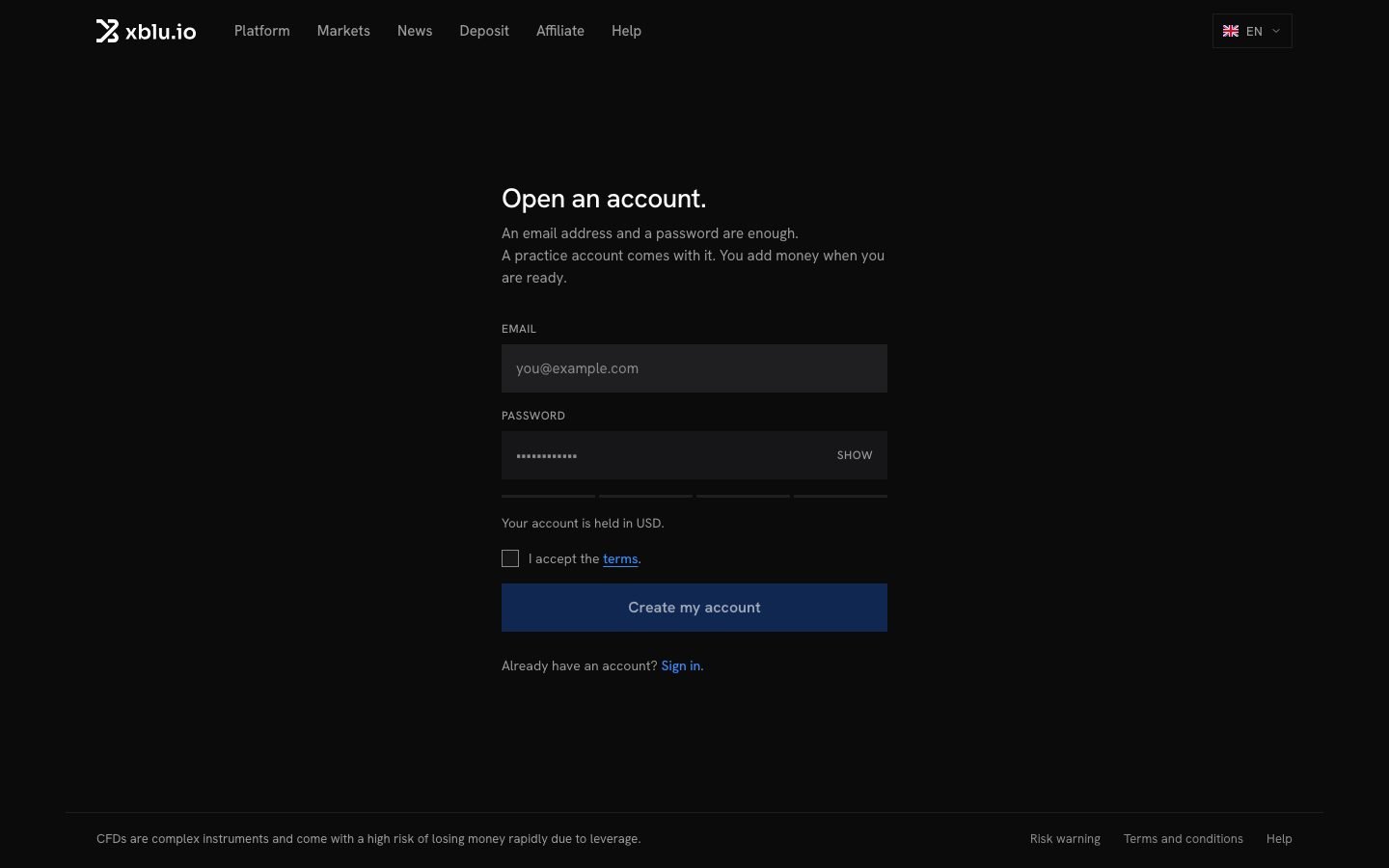
2
Choose how to start
The app asks How do you want to start?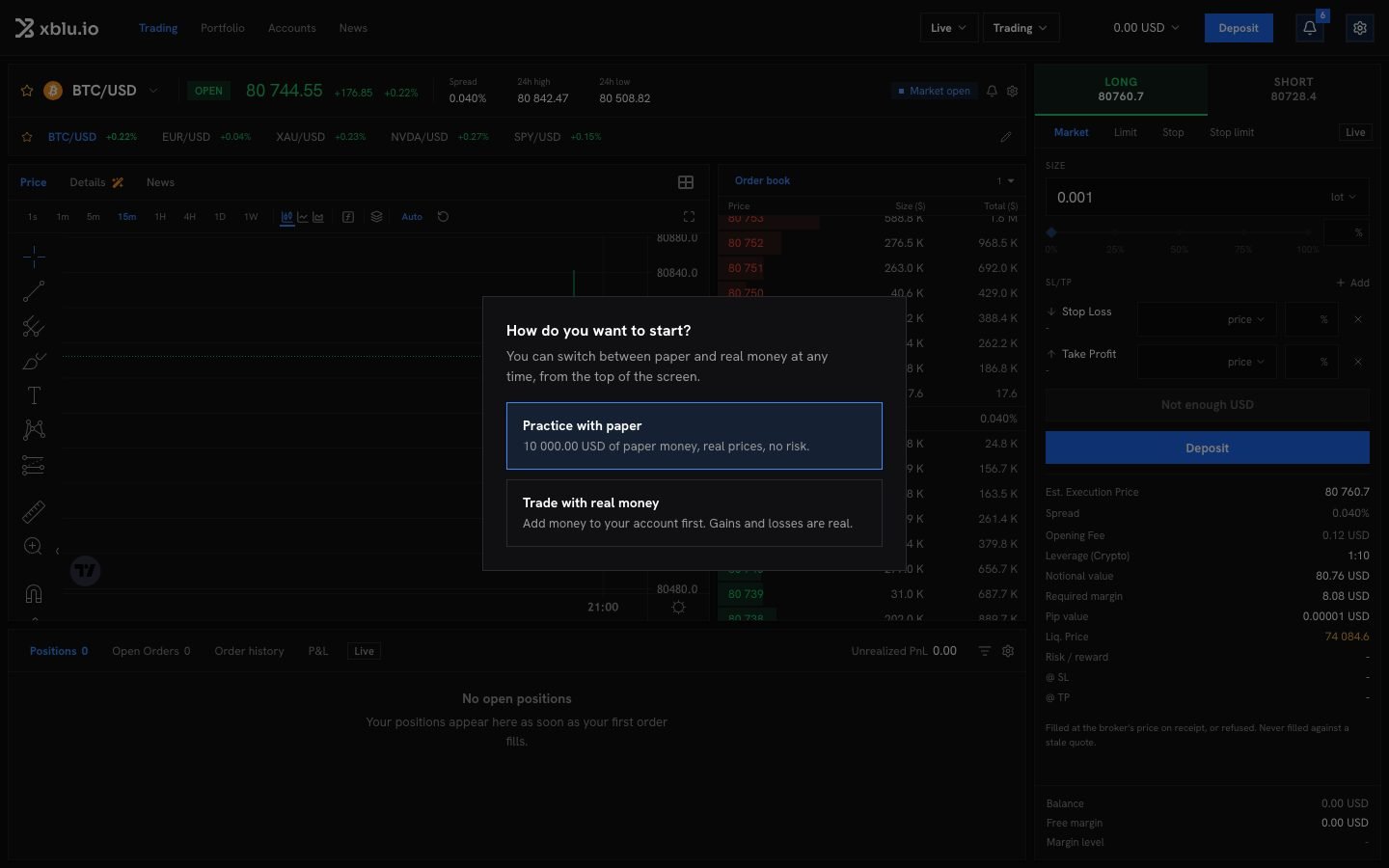
- Practice with paper: paper money, real prices, no risk. You can trade right away.
- Trade with real money: you make a deposit first. See Deposit.
3
Follow the guided tour
The terminal opens with a guided tour: your account, the chart, a first trade and the layout. It never places an order for you. Click Skip the tour to leave it. Guided tour, at the top, plays it again; on a phone, it is in the ☰ menu.
4
Place your first order
Pick an instrument, choose Long or Short, set the size, and click the order button. Check the estimates, then confirm. See Place an order.