

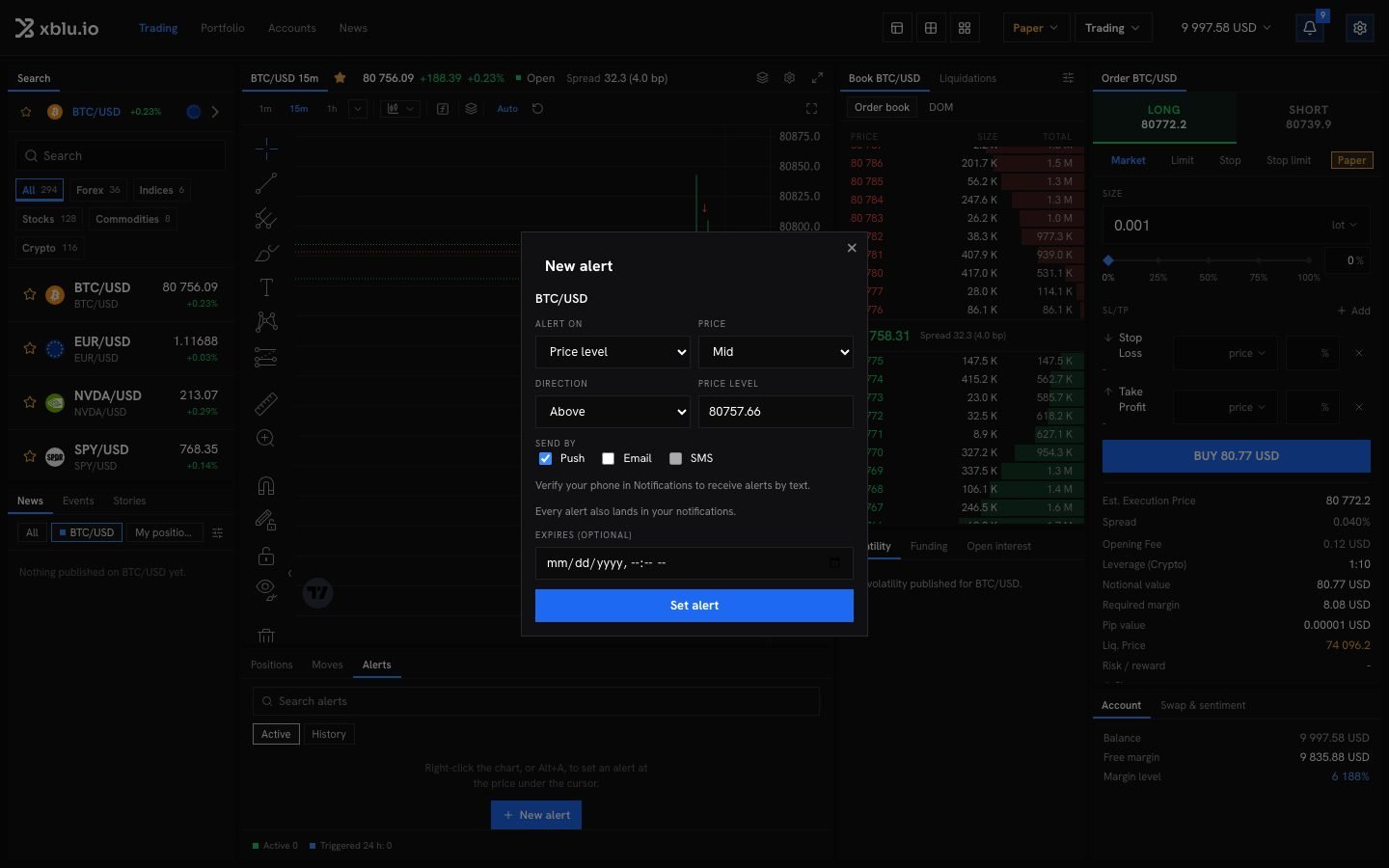
Set an alert
1
Open the alerts
Click the bell in the instrument bar, or New alert in the Alerts panel, or open Settings from the gear, then Price alerts. You can also right-click a price level in the book and choose Create an alert at that price.
2
Choose what to watch
Under Alert on, choose:
- Price level: the price goes Above or Below a level.
- Move in %: the price moves Up, Down or Either way by a percentage.
3
Choose how to be told
Under Send by, pick email, text message or push. Every alert also lands in your notifications. A text needs a verified phone number, set in Notifications.
4
Set it
Add an expiry if you want, and click Set alert.