

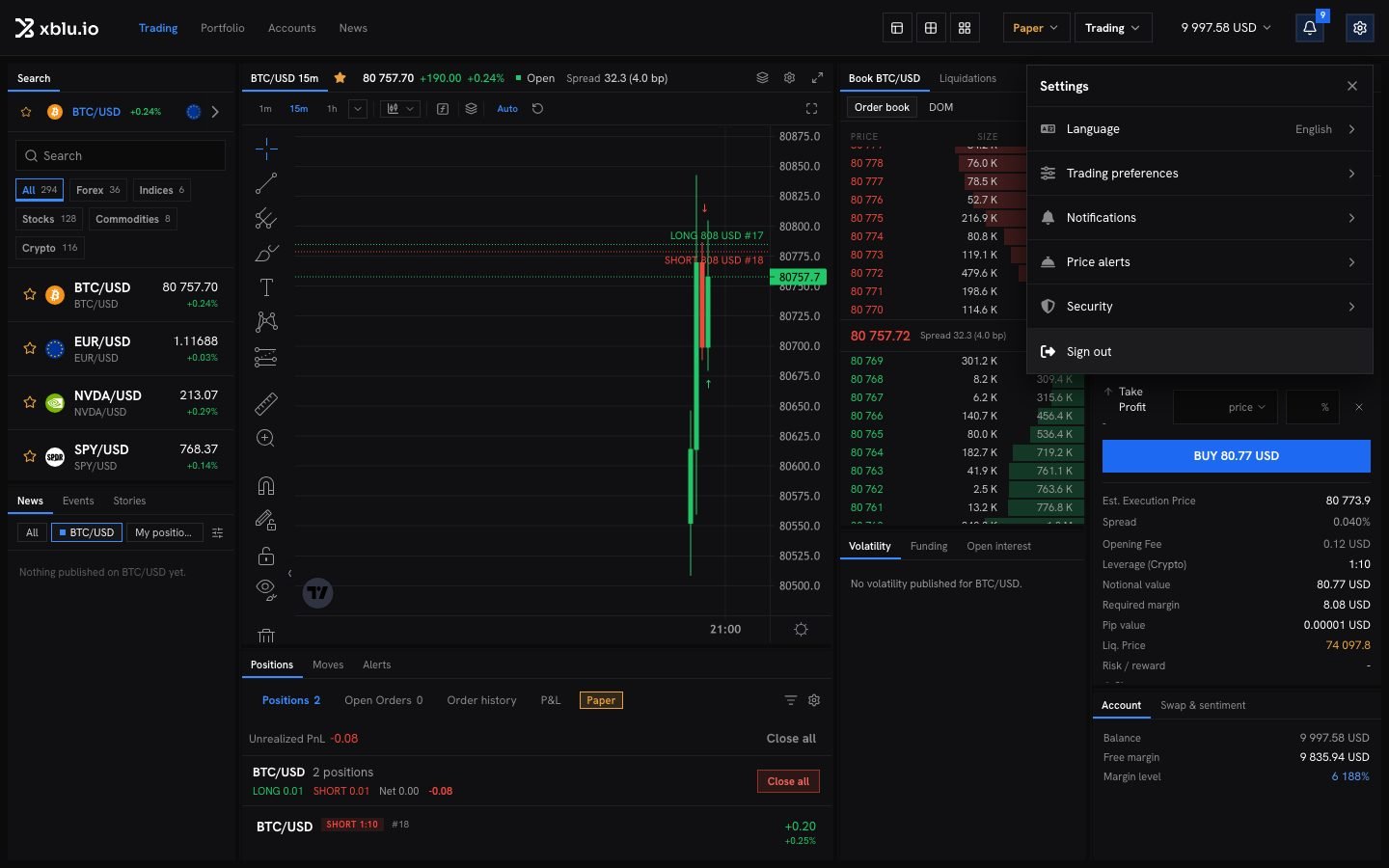
Language
The app is available in English, French, German, Spanish, Polish, Brazilian Portuguese, Japanese, Korean and Simplified Chinese. Open Language and pick one.Trading preferences
The terminal’s own settings, from the gear in the instrument bar, set the layout, the open positions on the chart, the favourites bar, the order book, trade confirmations and where notifications show.
Notifications
Choose, for each kind of message, whether it reaches you by Email, SMS or Push. Security notifications are always on.- Language of messages: emails, texts and browser notifications are written in this language. It also changes the language of the site.
- Phone for text messages: enter your number in international format, starting with +, click Send code, then enter the code and click Verify.
- Browser notifications: click Enable on this browser.